The Challenge: Writing Problem Templates is Hard
At Mathspace, creating new "Problem Templates" (or PTs) is a very technical job. You have to write code in our special scripting language, MathyonS, and then structure everything in XML. There are hundreds of very specific rules to remember, from how to name variables to the only way you're allowed to write if/else logic.
Writing this code by hand takes a lot of time and you really have to know the system inside and out. I saw this as a bottleneck for us, so I thought it would be a great chance to use generative AI to help make the process faster.
My Solution: An AI Web App Built in an Afternoon
During one of our "AI Lab Hour" sessions, I decided to explore on my own. It was my first time trying Google AI Studio to build a web app, and I created the "Problem Template Creator AI." It's a simple tool with a user-friendly interface that acts as a co-pilot for creating PTs.
Instead of trying to remember all the rules, a content creator can just input a simple math question, and the app uses a highly-tuned AI to generate all the complex MathyonS and XML code needed. After I built it, I shared it with the team on our AI Slack channel.
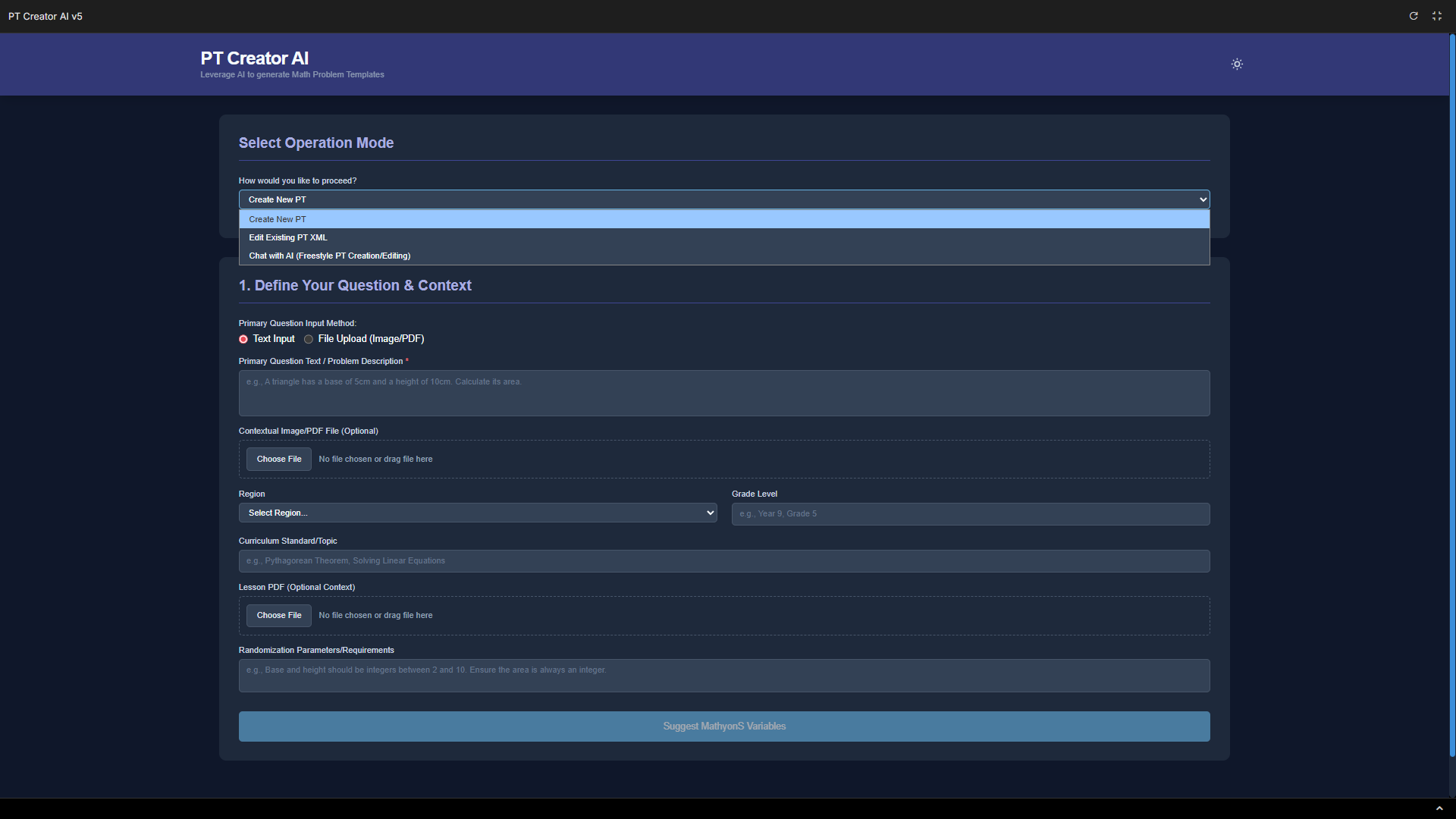
Key Features I Built In
The app's intelligence comes from a very detailed "megaprompt" that I engineered to teach the AI how to be a Mathspace developer. It also has some cool features I built in:
- File Differencing: It has a built-in "diff viewer" so you can easily see the changes between the AI's suggestion and your original code.
- Localization Rules: It automatically applies our localization rules, so it knows to use "metres" for Australia and "meters" for the US, for example.
- Copy Functionality: Simple one-click buttons to copy the generated MathyonS or XML code.
- Theme Toggle: I even added a light/dark mode theme toggle.
Project Overview
AI Application Development, Prompt Engineering, Workflow Automation
Google AI Studio, Gemini 2.5 Flash, React, TypeScript