The Challenge: Creating New Problem Templates is Tough
At work, a department will send us a document with a request to create a whole new set of interactive math problems (PTs) for a subtopic. My task is to build all of them from scratch.
The main problem is that turning a simple document into many technically correct and randomized XML files is a huge effort. I found the real challenge was how to do it efficiently. I needed a way to group similar problems so I wouldn't have to do the same work over and over, and a way to automate the repetitive parts of writing the code.
My Solution: An AI Agent to Help Me Build Faster
To solve this, I designed the 'PT Creation Agent.' It's an AI tool I use in the command line that helps me manage the entire creation process. It takes the request document and helps me build all the PTs in a much more organized way.
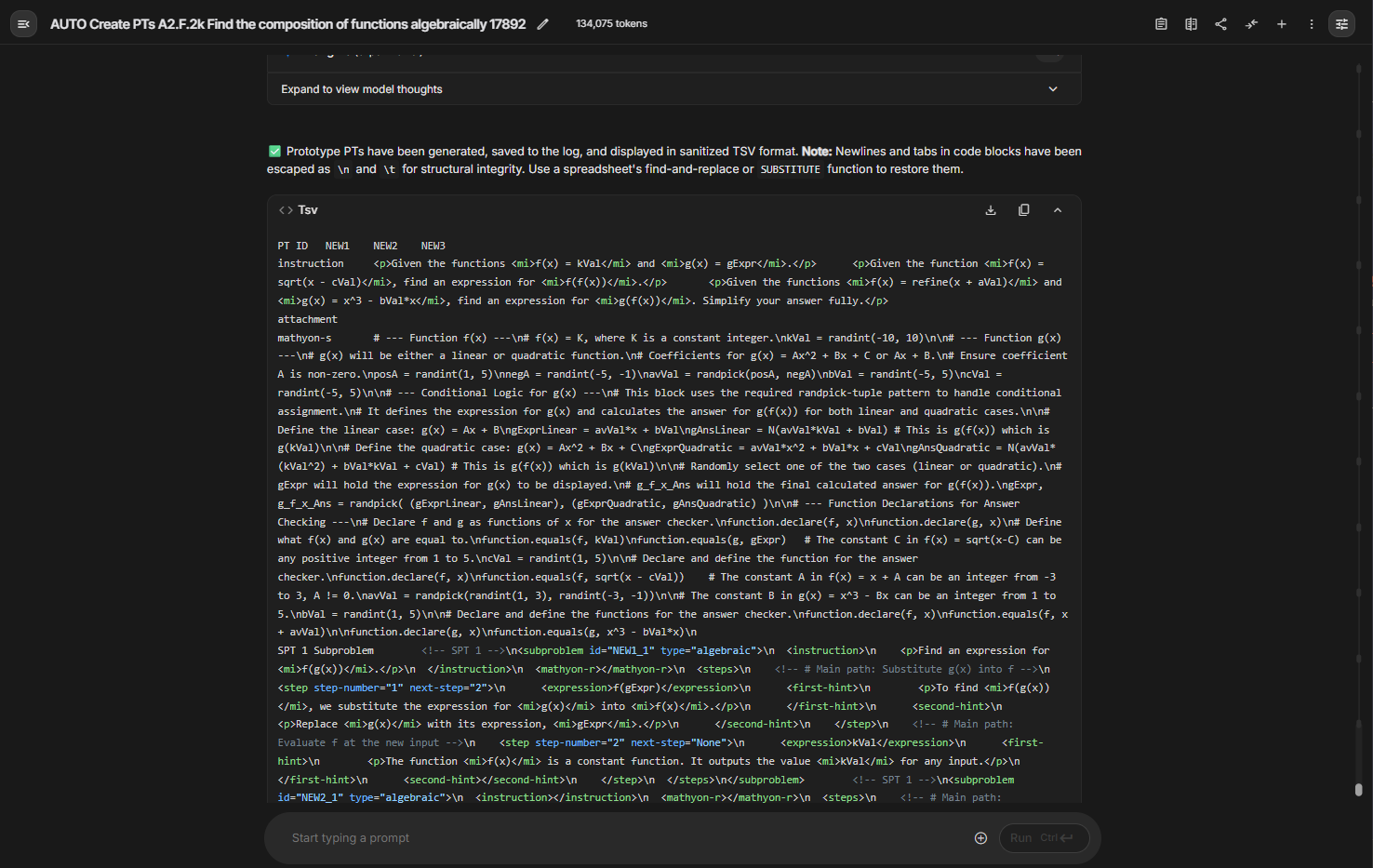
The first thing the agent does is read the whole document and identify "prototypes." These are the unique questions that can be used as a template for the others. This is the key to working fast. Once I build the main prototypes with the agent's help, it can then generate all the other similar PTs very quickly. It saves me a lot of time.
How I Built It: A "Megaprompt" Design
The way I made the agent smart was by creating a single, really big "megaprompt." This main prompt contains everything, its personality, how it remembers things with the JSON log, and all the rules it has to follow.
Inside this megaprompt, I also built a library of smaller, specialized prompts. So when I give the agent a command like `/run identify_prototypes`, it knows to use the specific sub-prompt for that task. This is how it can do different, complex jobs like analyzing the document or creating the XML code.
The Commands I Use
I built the agent to follow a command system that guides me through the entire workflow, from planning to final changes.
Phase 1: Planning & Prototype Creation
/start - Initiates the workflow and asks for all the project files and context.
/run format_request - Renders the request document in clean HTML so it's easier to read.
/run identify_prototypes - Analyzes the request to find unique questions that can be used as templates and groups similar ones together.
/run create_prototypes - Generates the actual XML code for the main "prototype" problems.
Phase 2: Finalization & Iteration
/run create_remaining_pts - After the prototypes are done, this automatically generates the XML for all the other similar problems.
/add pt_ids - Lets me input the final ID numbers for the new PTs once they are in the system.
/update_xml [QuestionID] - A command to completely replace the XML for a specific PT if I need to make a big change.
/revise [QuestionID] - Lets me give the agent instructions to make smaller edits to a specific PT.
Utility & Status Commands
/get_xml [QuestionID] - Shows me the raw XML code for any PT in the log.
/show_log - Displays a summary of the whole project status in a TSV format.
/help - Shows this list of commands.
Project Overview
AI Agent Design, System Architecture, Prompt Engineering, Code Generation
CLI, Large Language Models (LLMs), JSON, TSV, XML